Hi, I’m Omar. 👋
A Passionate Software Developer.
I’m Omar, an Applied Computer Science student at Dalhousie University with a passion for AI and Cybersecurity. I enjoy exploring innovative technologies, solving complex problems, and continuously learning to enhance my software development and security skills.
🧰 My Developer Toolbox
A mix of tools, tech, and qualities I bring to every project.
Frontend
UI Development with React
Created reusable components and handled routing, props, and hooks in real projects.
HTML/CSS
Wrote semantic HTML and CSS for responsive, accessible, cross-browser websites.
Tailwind CSS
Used Figma designs and Tailwind utility classes to build fast, clean UIs.
Backend
Node.js
Used Node and Express for routing, data handling, and user authentication.
Express
Set up backend routes, middleware, and connected to MongoDB and MySQL.
Database
Worked with MongoDB and MySQL to store, query, and organize app data.
Soft Skills
Communication
Worked with teammates and clients, gave updates, and accepted feedback.
Time Management
Balanced school, projects, and tasks using to-do lists and planning tools.
Problem Solving
Solved issues by testing, asking questions, and handling pressure.
My Projects
Lend A Hand – Backend Developer
Course Map Navigator – Full Stack App
AI Scheduler – Full Stack App
Job Search Platform – Web Design (Desktop)
Lend A Hand
Back-End Developer · MERN Stack Application
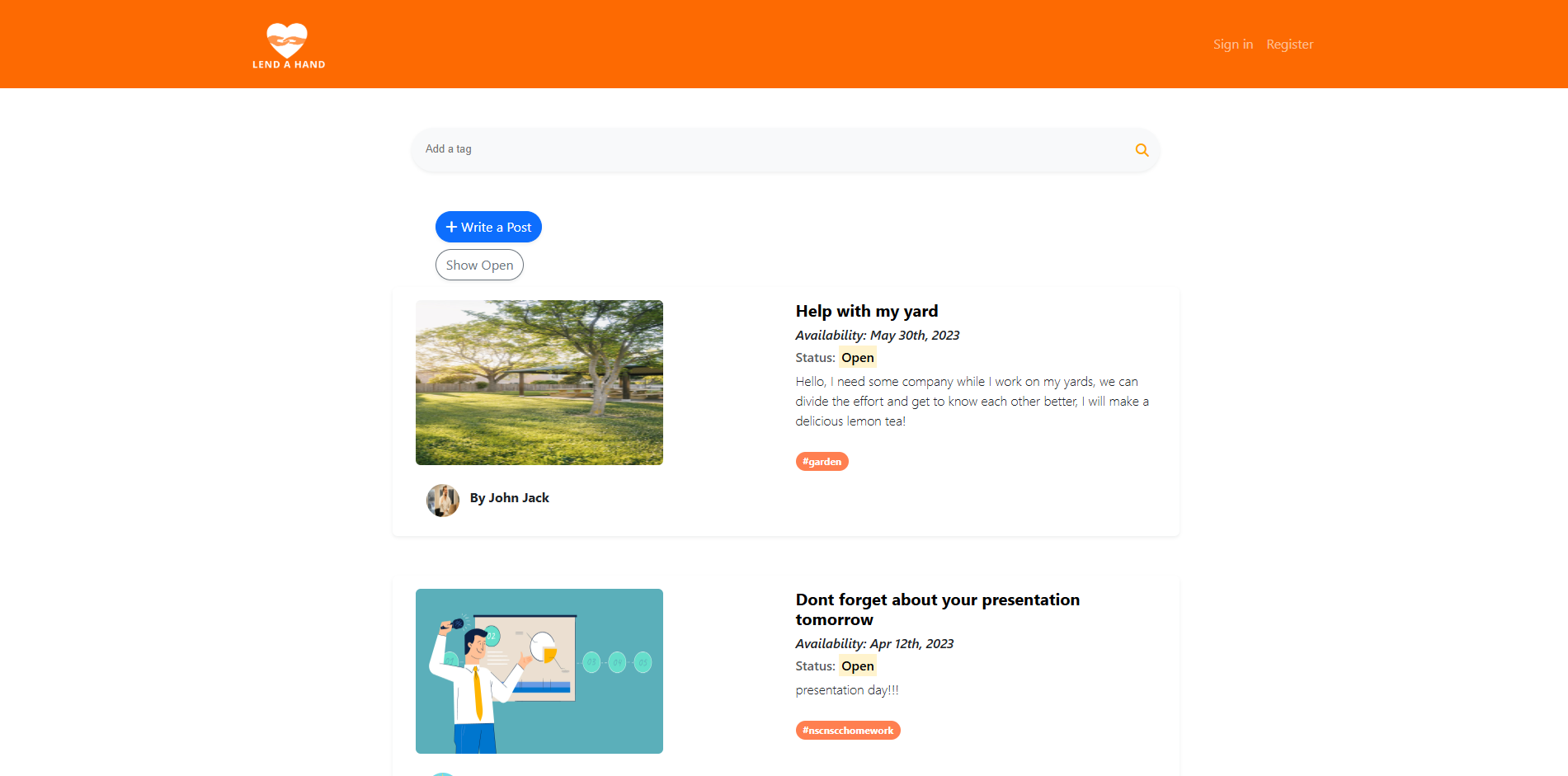
Project Name: Lend A Hand
Technology used: MongoDB – ExpresJS – ReactJS – NodeJS
Lend A Hand is a full-stack web app we built as a team to connect people in the community who need assistance with volunteers willing to offer help. Whether someone needed groceries picked up, a driveway shoveled, or a ride to an appointment, the platform made it easy to post a request and get support quickly and securely.
As the back-end developer, I worked closely with my teammates to design and build the server-side of the app using Node.js and Express. I developed API routes for user registration and login, task creation and management, and user messaging. I also implemented input validation, session handling, and security measures to protect user data and ensure safe interactions. A big part of my role was integrating the backend with the frontend, making sure everything connected smoothly and responded reliably.
We used the Scrum framework with Trello to manage tasks and plan sprints, and collaborated on GitHub through branches, pull requests, and code reviews. Regular stand-ups kept us aligned and helped us solve blockers as a team.
This project gave me hands-on experience building a secure, real-world application while working closely with a team of developers to deliver a complete product.
Lend A Hand
Back-End Developer · MERN Stack Application
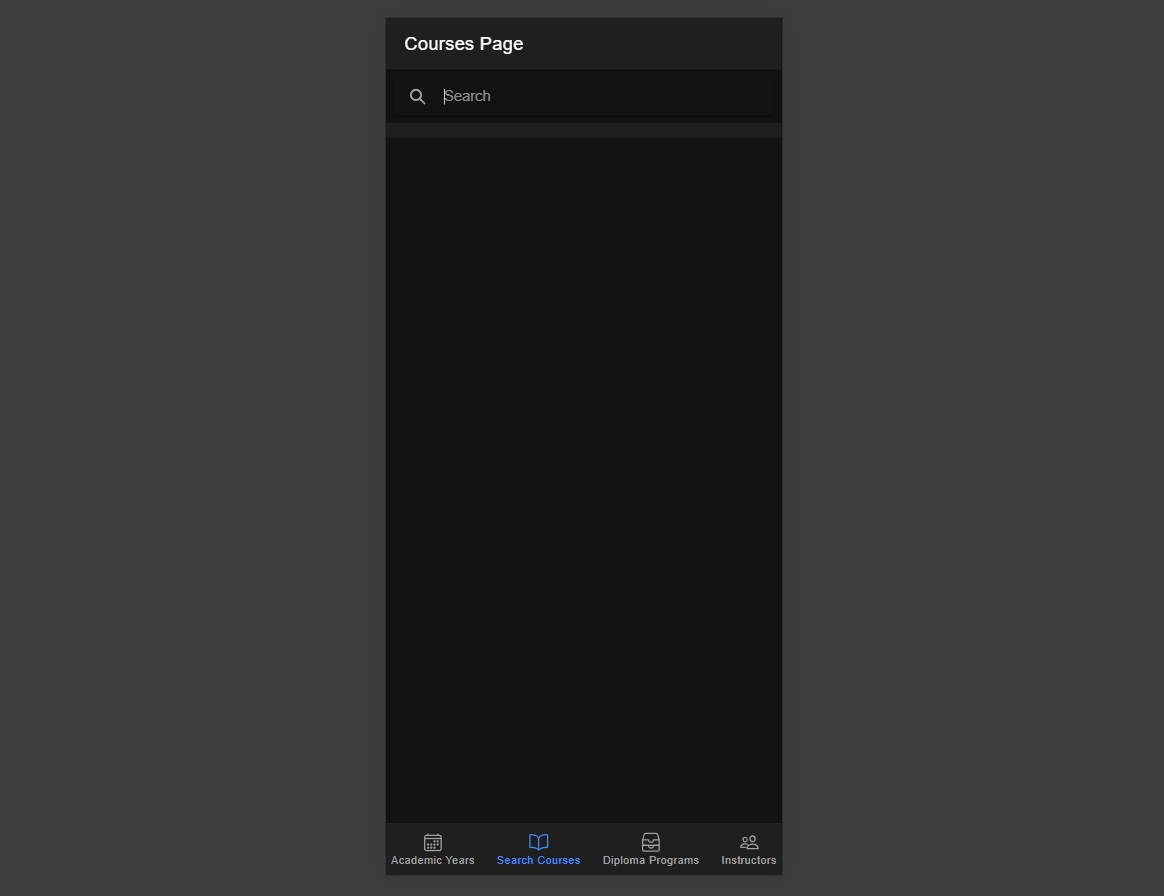
Project Name: CourseMap Navigator
Technologies Used: Ionic – ASP.NET – Azure Functions – SQL Server
CourseMap Navigator is a responsive web and mobile app I built as a solo course project during my time at Nova Scotia Community College (NSCC). The goal of the app is to help students easily explore NSCC programs and courses by providing detailed information like prerequisites, outcomes, and campus availability.
I developed the entire application from scratch using the Ionic framework for a smooth cross-platform user experience. On the backend, I used ASP.NET and Azure Functions to build and deploy RESTful APIs, which connect to a structured SQL Server database. I handled everything from UI design to database logic and API integration, ensuring the app was clean, fast, and user-friendly.
This project was a great opportunity to apply full-stack development skills in a real-world academic context and taught me how to plan, build, and deploy a complete application independently.
AI Scheduler
Full Stack Application - NextJS Application with AI Integration
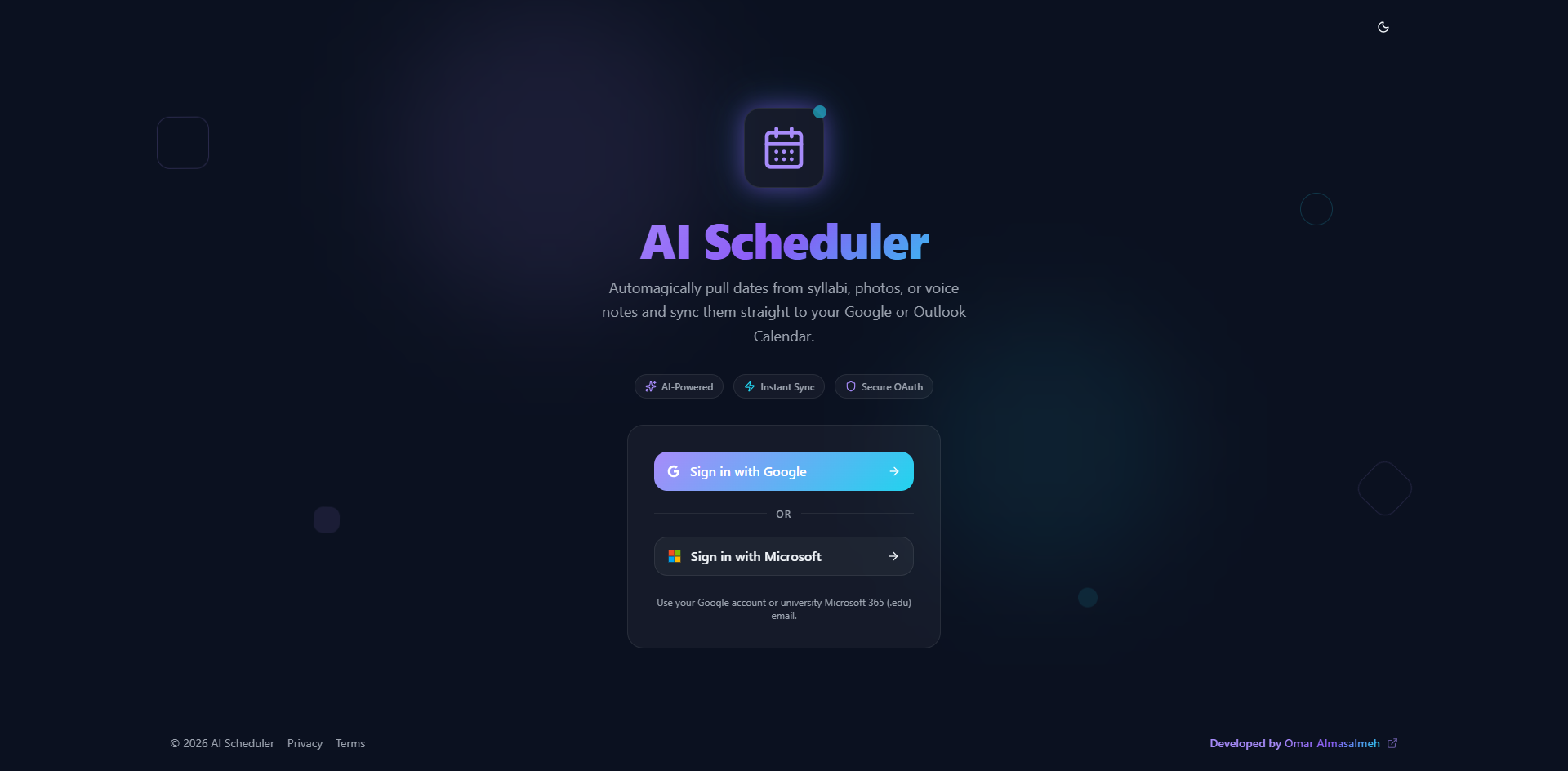
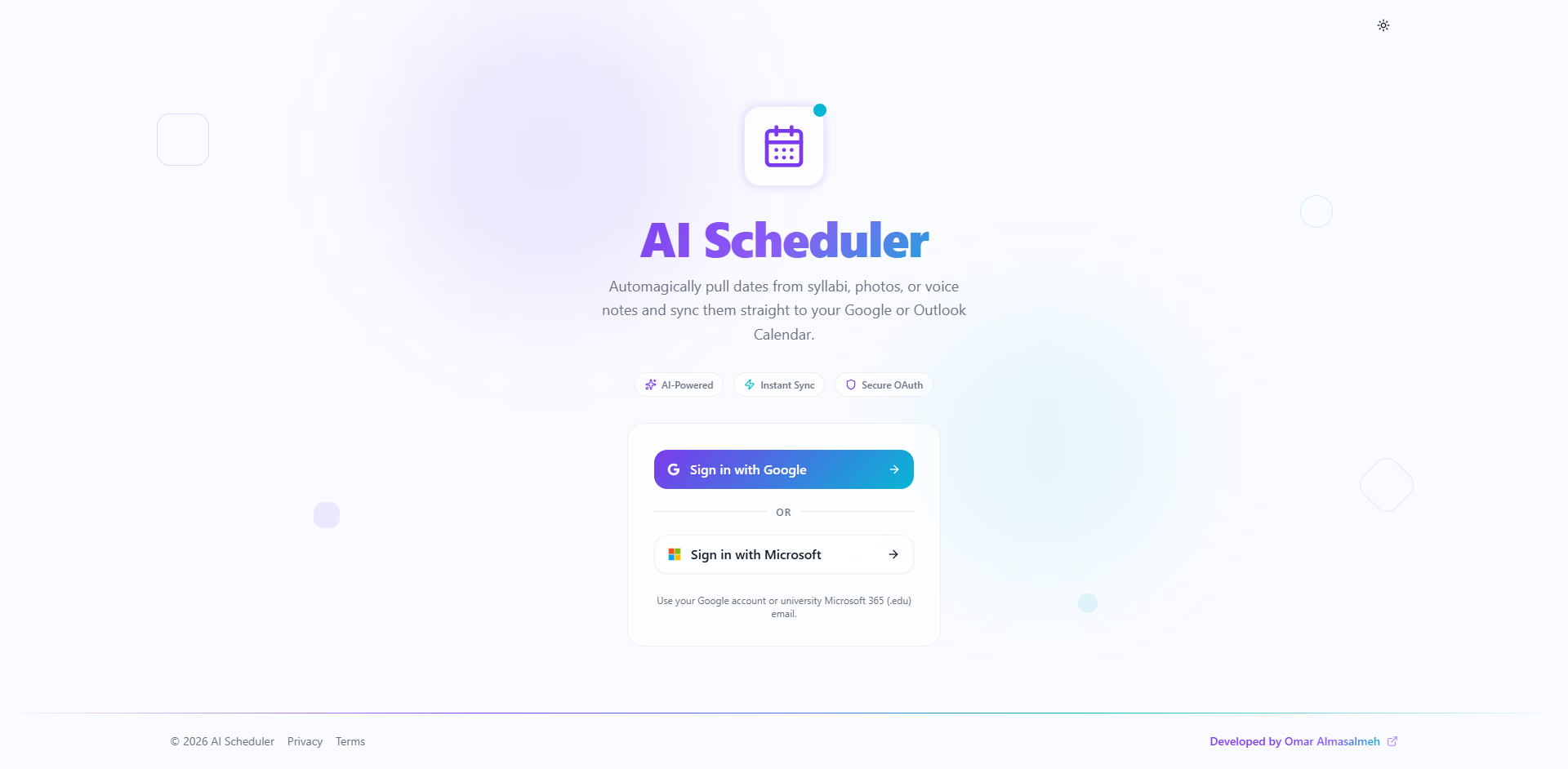
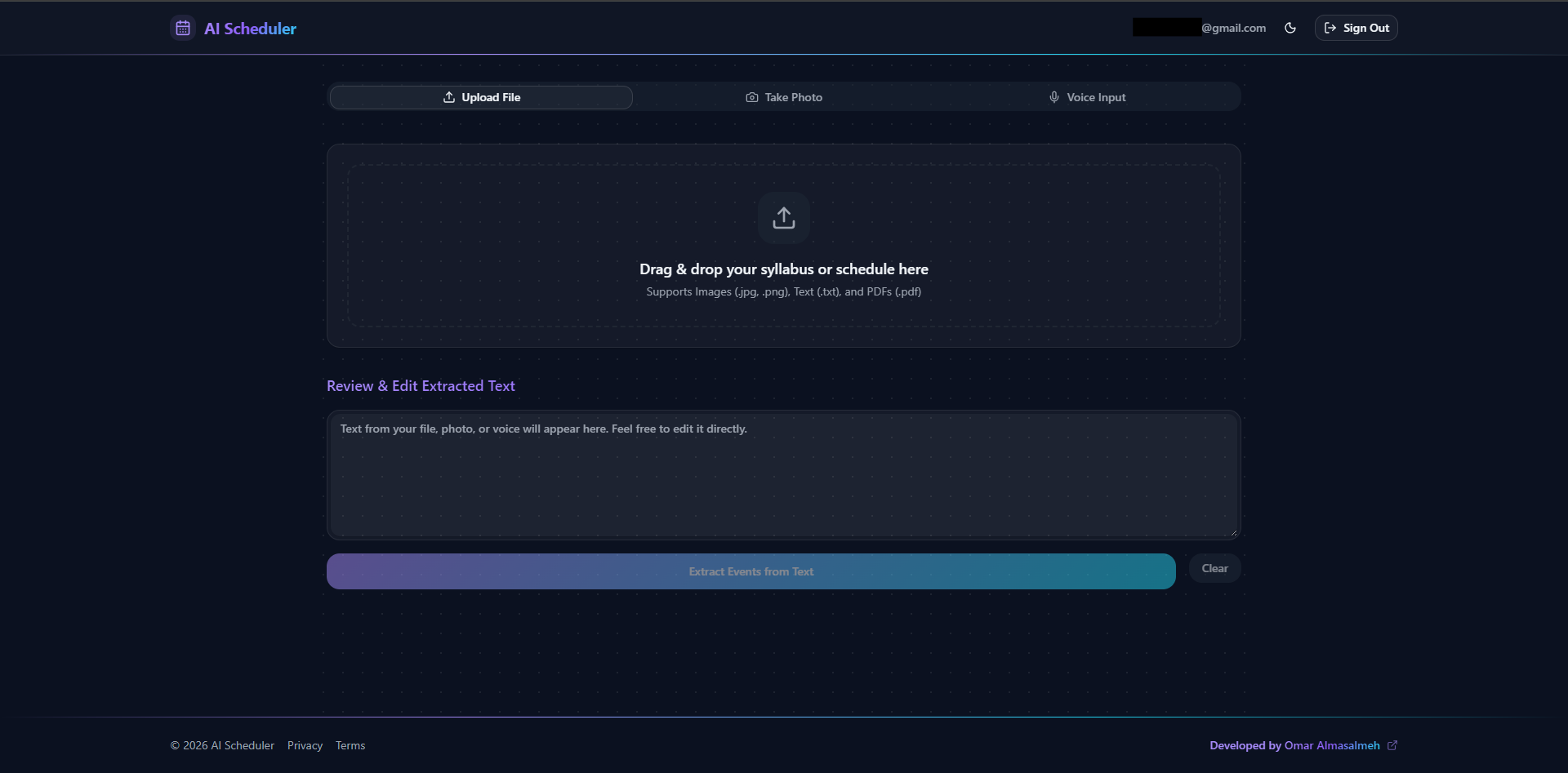
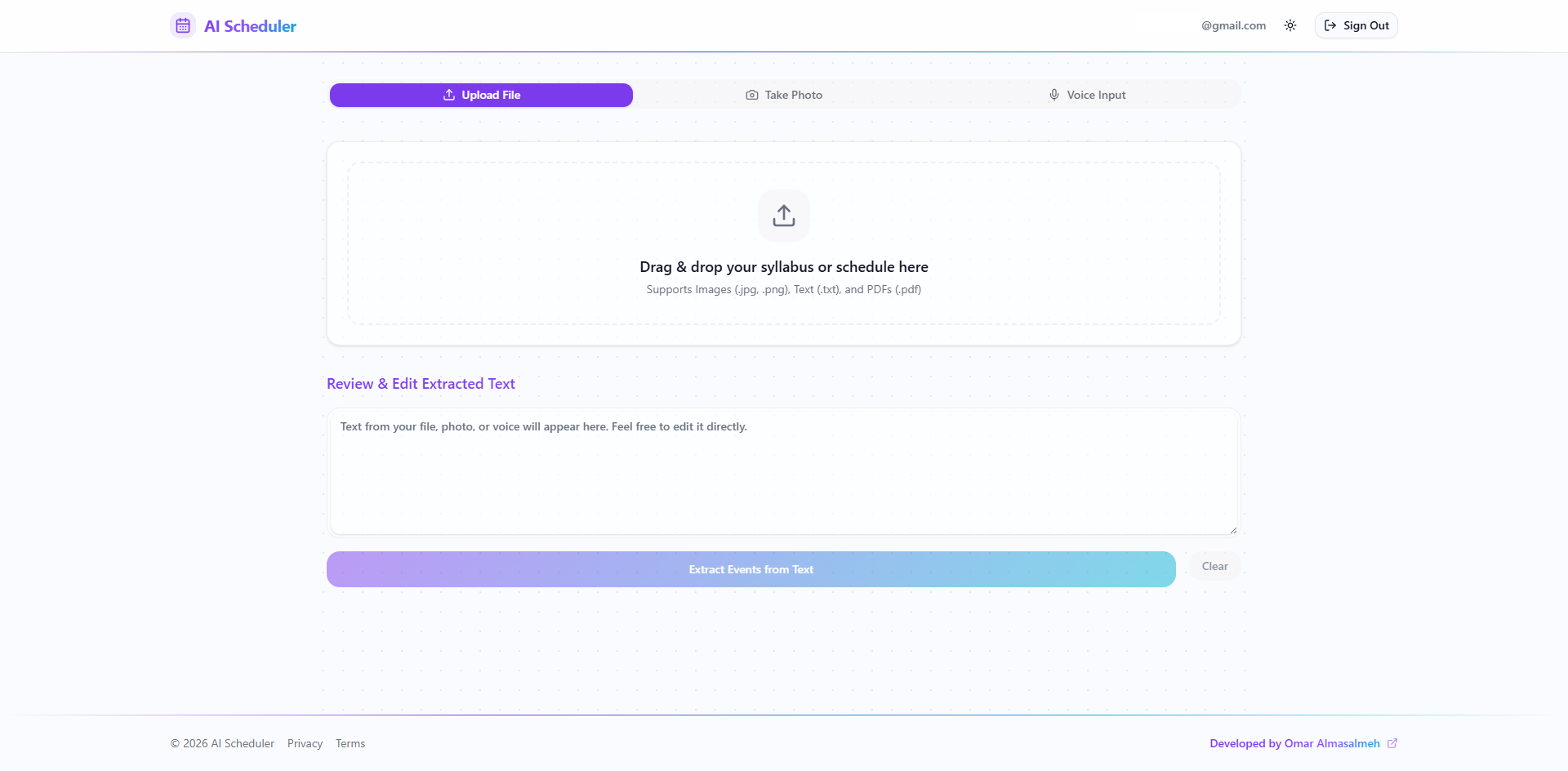
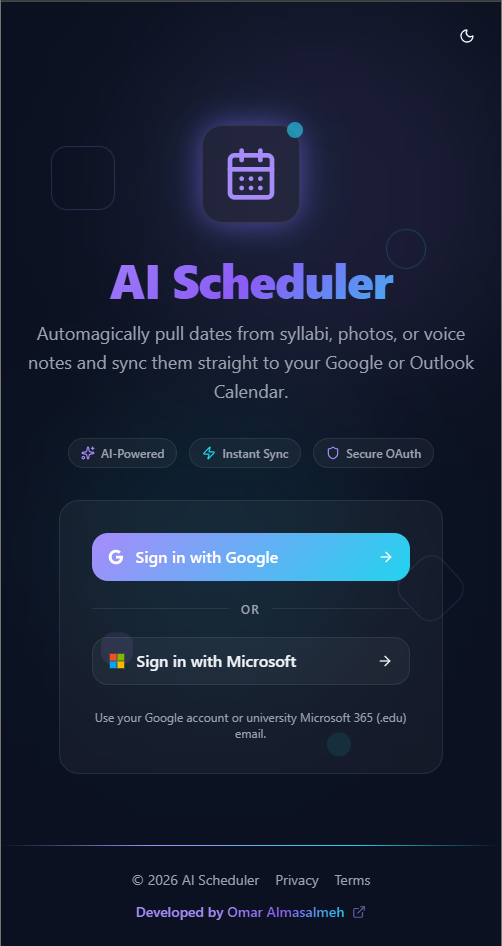
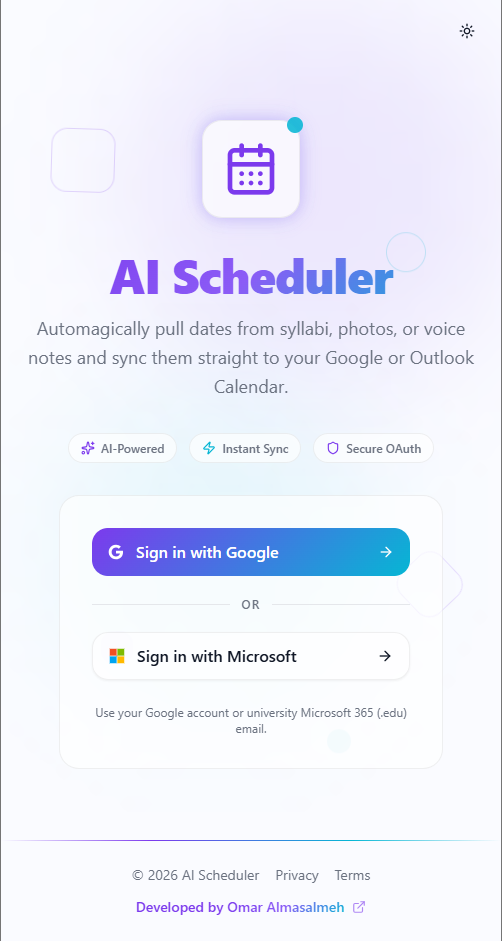
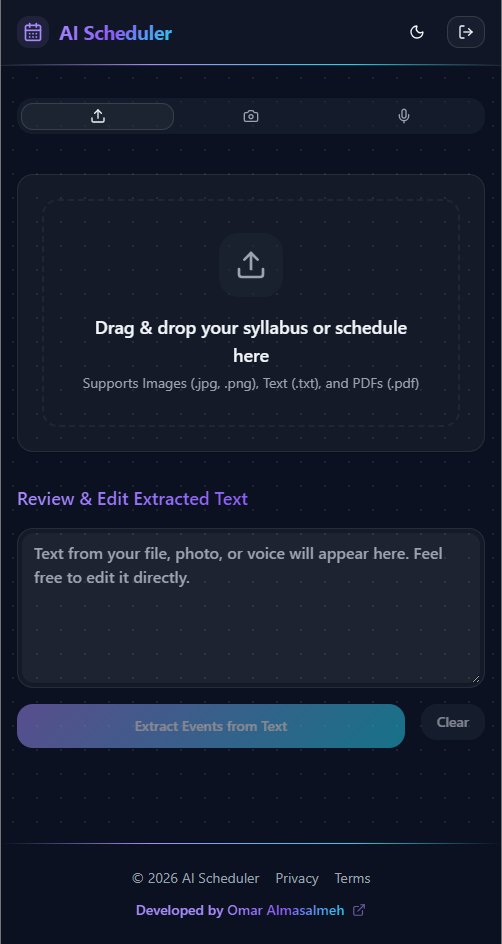
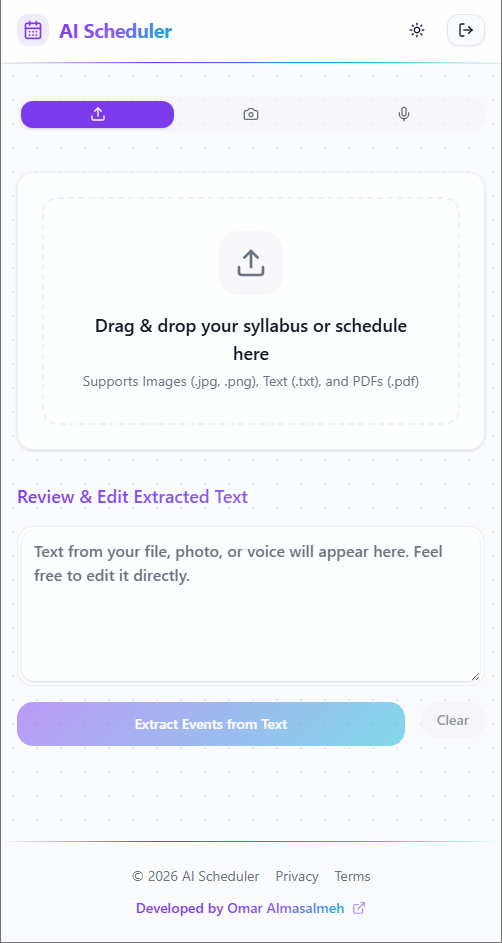
Project Name: AI Scheduler
Technologies Used: Next.js, React 19, Tailwind CSS v4, Hugging Face Transformers (Qwen2.5), Tesseract.js, Google Calendar API, Microsoft Graph API, Firebase
AI Scheduler is a full-stack web application I am building to eliminate the tedious process of manual data entry for calendars. The core idea is simple: help users automatically extract dates, times, and event context from unstructured sources like university syllabi, event flyers, or voice memos, and seamlessly sync them to a digital calendar.
To achieve this, I built the application using Next.js and Tailwind CSS for a highly responsive, modern UI with a glassmorphic dark mode. The extraction pipeline features a dual-layer approach:
Vision Inference: I integrated Hugging Face’s capabilities to run inference on real-world photos and posters via multimodal models (Qwen2.5-VL), overcoming the limitations of standard OCR.
Text & Document OCR: For standard text and multi-page PDFs, I implemented a client-side Web Worker running Tesseract.js combined with custom canvas image pre-processing.
Once the text is read, I pass it through a fine-tuned Hugging Face NLP model (Qwen2.5-7B-Instruct) to structure the messy paragraphs into a strict JSON schema of calendar events—intelligently handling multiple events, durations, and missing years.
Beyond file uploads, I implemented real-time voice dictation using the native Web Speech API and a custom camera capture interface using WebRTC. Firebase handles the authentication and OAuth token management, allowing the app to securely sync the extracted events directly to a user’s Google Calendar or Microsoft 365 Outlook calendar in one click.
Live Testing & Privacy Notes: The project is currently deployed and available for live testing!
Google Calendar: Because verifying a Google OAuth app requires a registered domain name (which the project currently lacks), the app is unverified. I recommend creating a temporary/test Google account if you wish to try the Google sync feature.
Microsoft Outlook: The app is fully ready to sync with personal and educational Microsoft 365 accounts. Note that depending on your university’s IT policies, you may need an admin to grant permission for third-party apps to access your calendar.
Privacy Guarantee: Zero user data is collected or stored on a backend database. Your email is strictly used for authentication via Firebase and to obtain the OAuth token necessary to sync events to your personal calendar.
This project started as a way to solve my own scheduling frustrations, but it has grown into a deep dive into AI integration, building resilient API architectures, and creating a robust, professional-grade user experience that can genuinely save time for students and busy professionals.
Job Huntly
Web Design - Online Job Search Platform for Desktop
Project Name: Job Huntly
Technologies and Methods Used: Figma, User Research, Affinity Diagrams, Storyboarding, Cognitive Walkthroughs
Job Huntly is a job search platform designed for desktop users. I worked on this project as part of my Web Design course (CSCI 3160) at Dalhousie. We started as a group, focusing on improving the job search process for students and recent graduates through user-centered design.
Together, we interviewed users, built affinity diagrams, and created storyboards to outline key features like a resume builder, skill assessment tool, and HR connection portal. We tested early ideas using cognitive walkthroughs and adjusted the design based on real feedback.
For the final part of the course, each of us created our own personal high-fidelity design. I used Figma to build out a clean, accessible layout that focused on usability and desktop experience. This project gave me solid hands-on experience in design thinking, teamwork, and turning research into a polished prototype.